Home
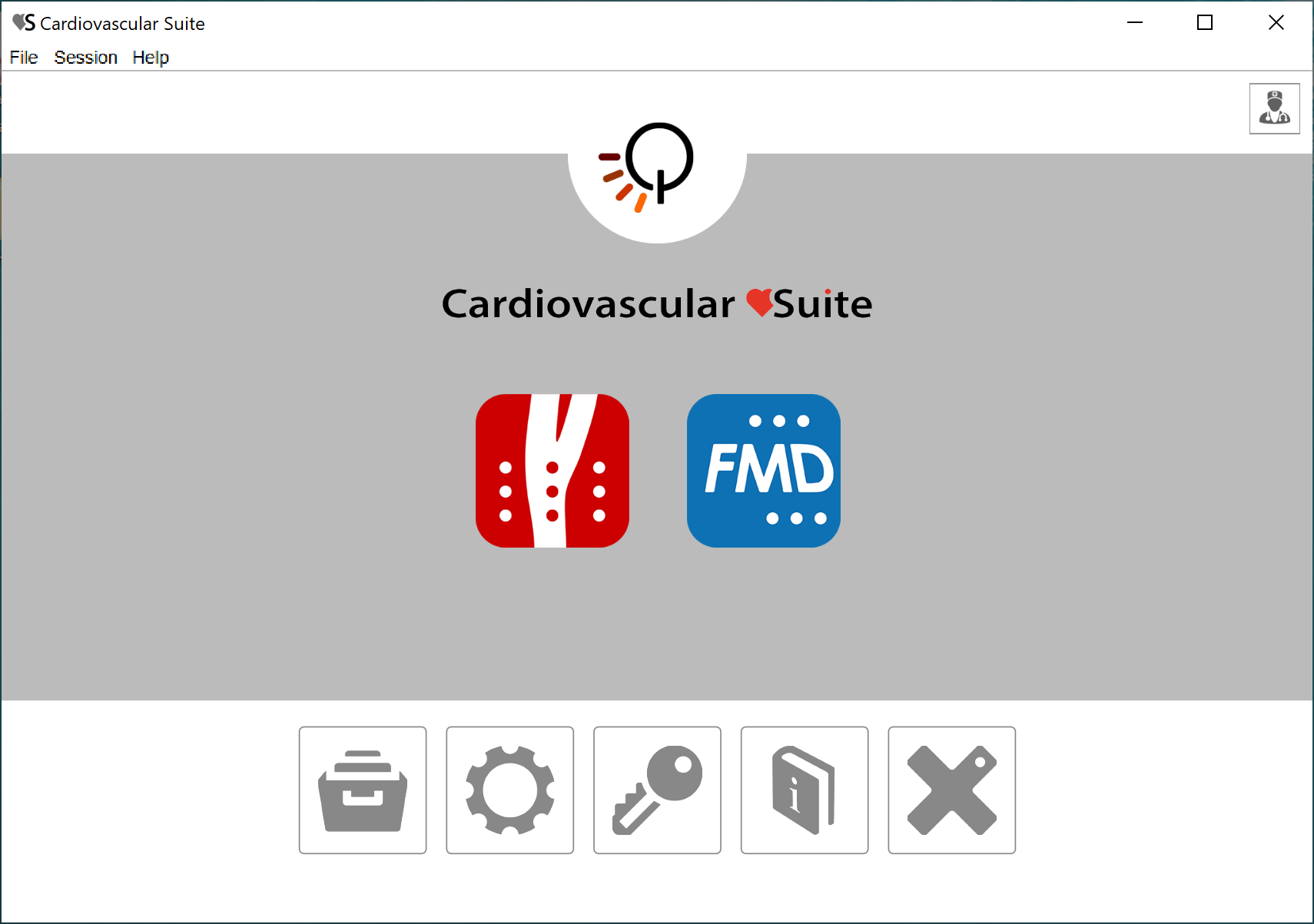
The Home Screen contains the main controls of the software.
The Carotid Studio and the FMD Studio buttons start a new study with Carotid Studio and FMD Studio respectively. If a lock icon  is present inside the button, this means that you don't have a valid license for this application.
The buttons in the lower part of the Home Screen are:
- archive: opens the Archive window.
- settings: opens the Settings manager window.
- license: opens the License manager window.
- manual: opens this User Manual in an external browser.
- exit: quit Cardiovascular Suite.
On the top right of the Home Screen, clicking on the operator icon, you can find the name of the logged user and the logout button.