The software can be directly connected with ultrasound devices from the following brands:
- Telemed, UAB - Lithuania
- Clarius Mobile Health - Canada
- Interson Corporation - CA USA
Pay attention that not all of these devises are compatible with Apple macOS. Please see below the compatibility table:
| Ultrasound device | Microsoft Windows | Apple macOS |
|---|---|---|
| Telemed | Yes | No |
| Clarius | Yes | Yes |
| Interson | Yes | No |
Telemed
Telemed ultrasound devices can be connected to the computer by USB. The setting of the ultrasound device can be done on the analysis windows. The following models are supported:
- MicrUs Pro-L40S
- MicrUs Pro-L40N
- MicrUs with vascular probe
- ArtUs with vascular probe
- SmartUs with vascular probe
Clarius
Clarius ultrasound devices
...
can be connected to the computer by WiFi by means of the Clarius application. This means that the Clarius probe must be connected to the Clarius app and you must have a Clarius Membership with the Cast option.
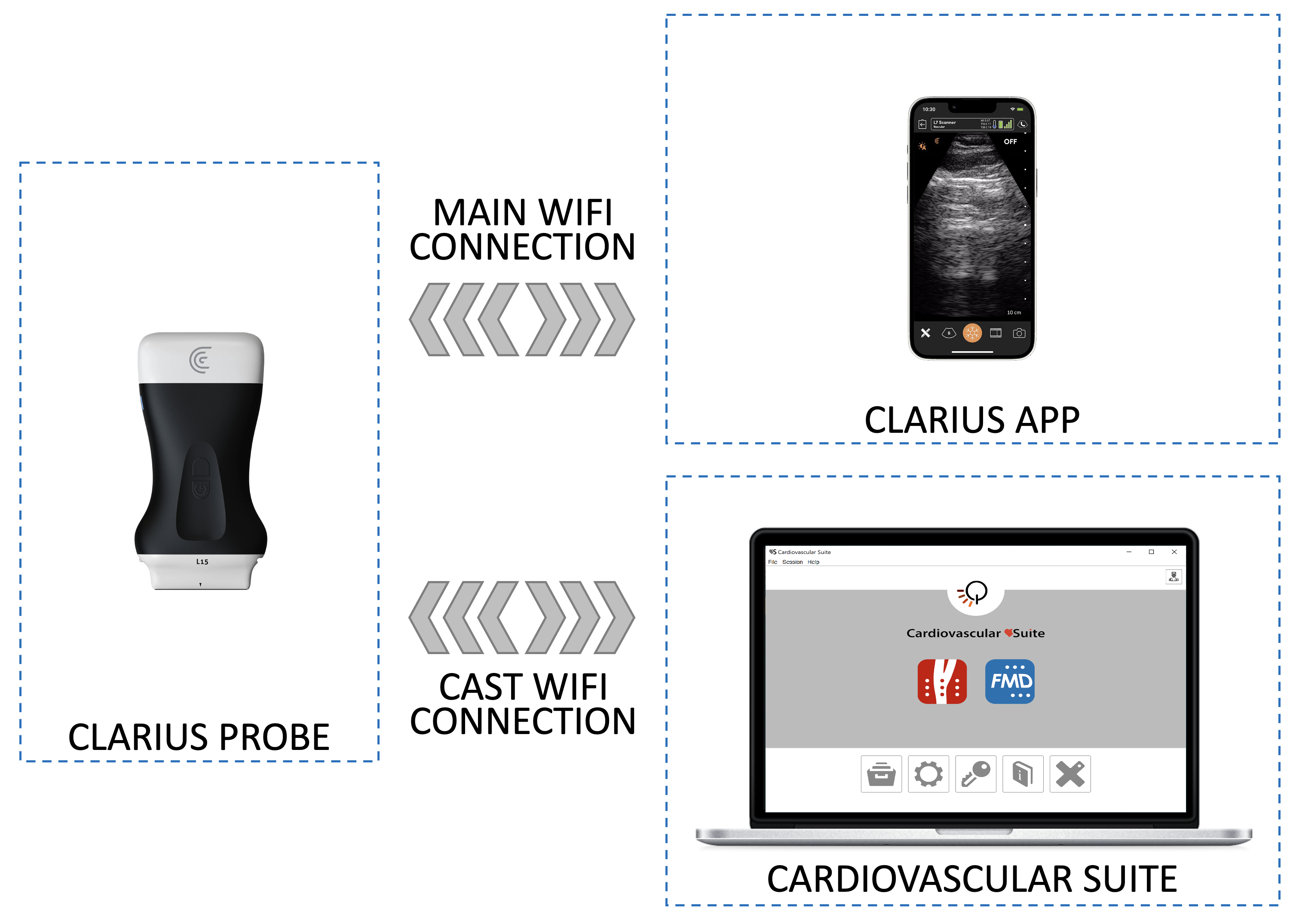
The setting of the ultrasound device can be done on the analysis windows or on the Clarius app. The following models are supported:
- L7 HD3
- L15 HD3
Interson
Interson Telemed ultrasound devices can be connected to the computer by USB. The setting of the ultrasound device can be done on the analysis windows. The following models are supported:
- SP-L01