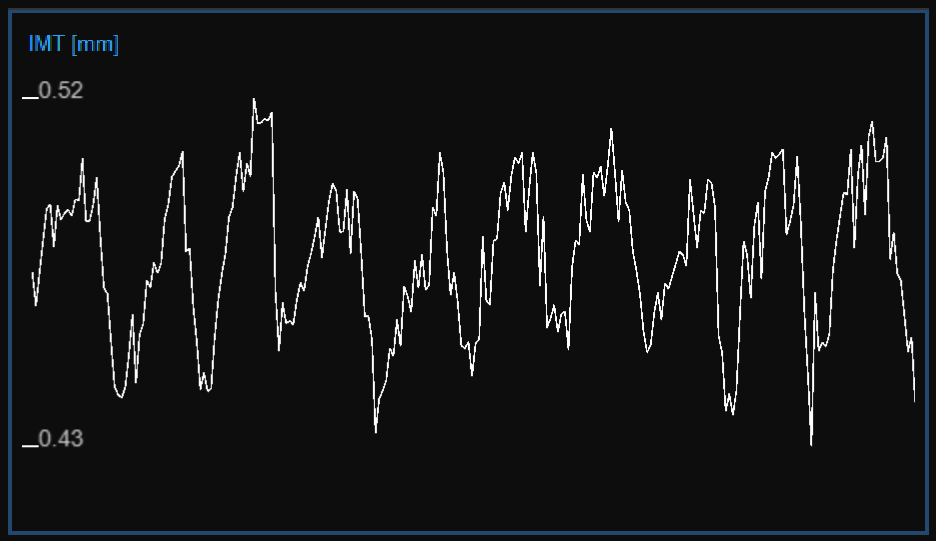
The chart shows the trend of the IMT. The buttons at the top can be used for editing the chart and removing the outliers.
 button.
You can use the undo  and redo
  buttons to cancel and restore your changes. The restore
  button cancels all your changes and restore original data.
Note: Click on the Save  button in the Top bar to save your changes to the document.
As shown in the following figure, the Cursor  button (1) activates a cursor (2) on the IMT chart that shows the current time position on the graph according to the images shown in the Video window. The coordinates (IMT value in millimeters and time value in the format minutes:seconds.milliseconds) of the cursor are dynamically updated and shown in (3). When the Cursor button is active, it is also possible to know the coordinates of an exact point in the graph; it is only needed to hover over the chart and a second cursor (4) is displayed. It follows the mouse movements and the exact coordinates of the point are shown in the label (5) (IMT value is expressed in millimeters and the time value has the format minutes:seconds.milliseconds).
