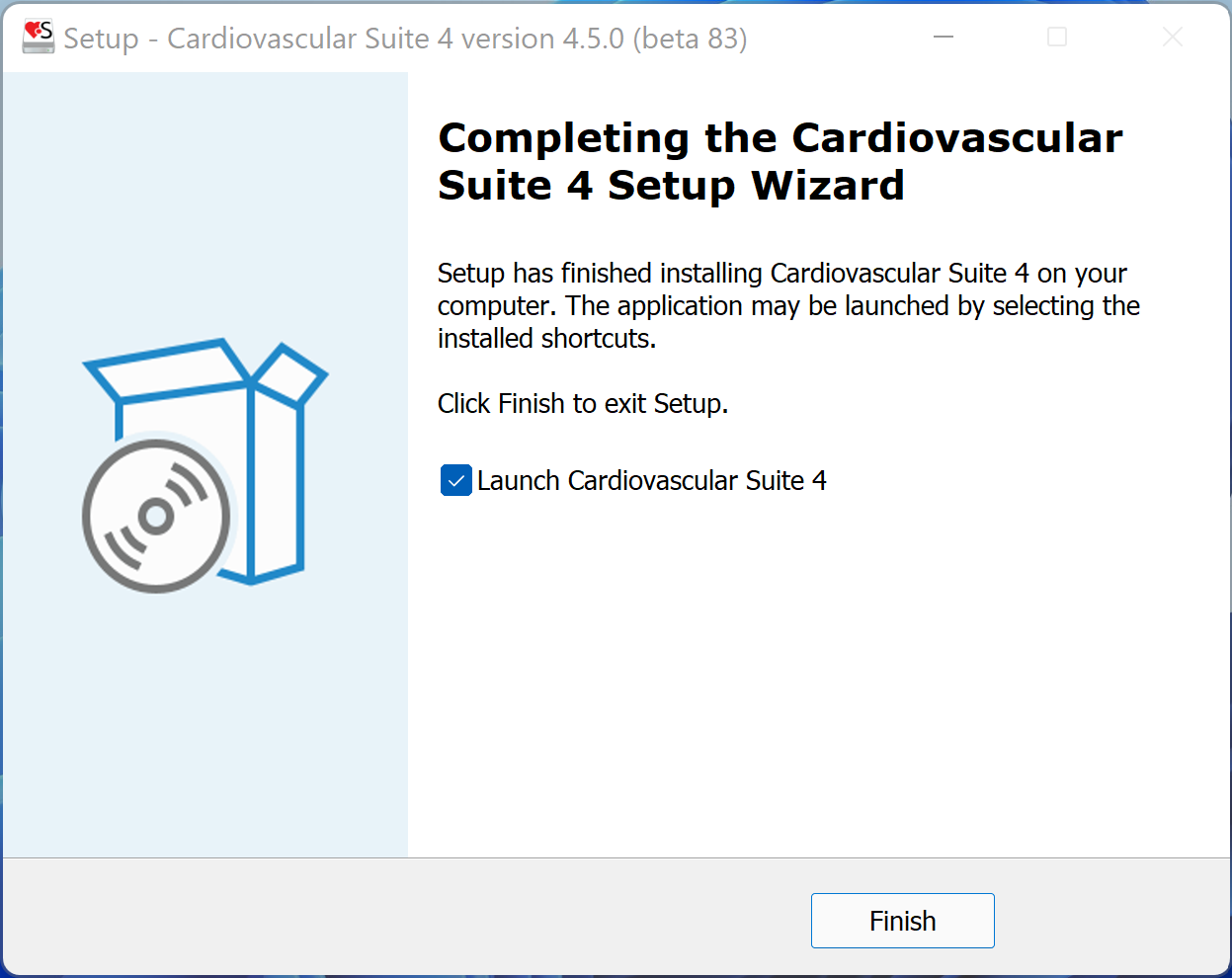
The software installation follows the usual procedure of installing software on Microsoft Windows.
For information or support please contact Quipu support team at support@quipu.eu.
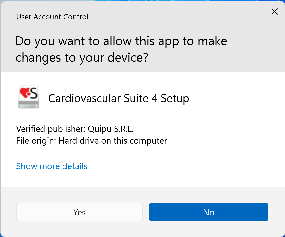
- Confirm that the installer can make changes to your device .
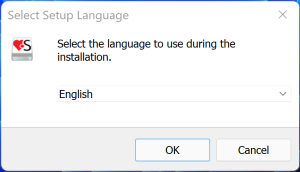
- Select the language that will be used during the installation.
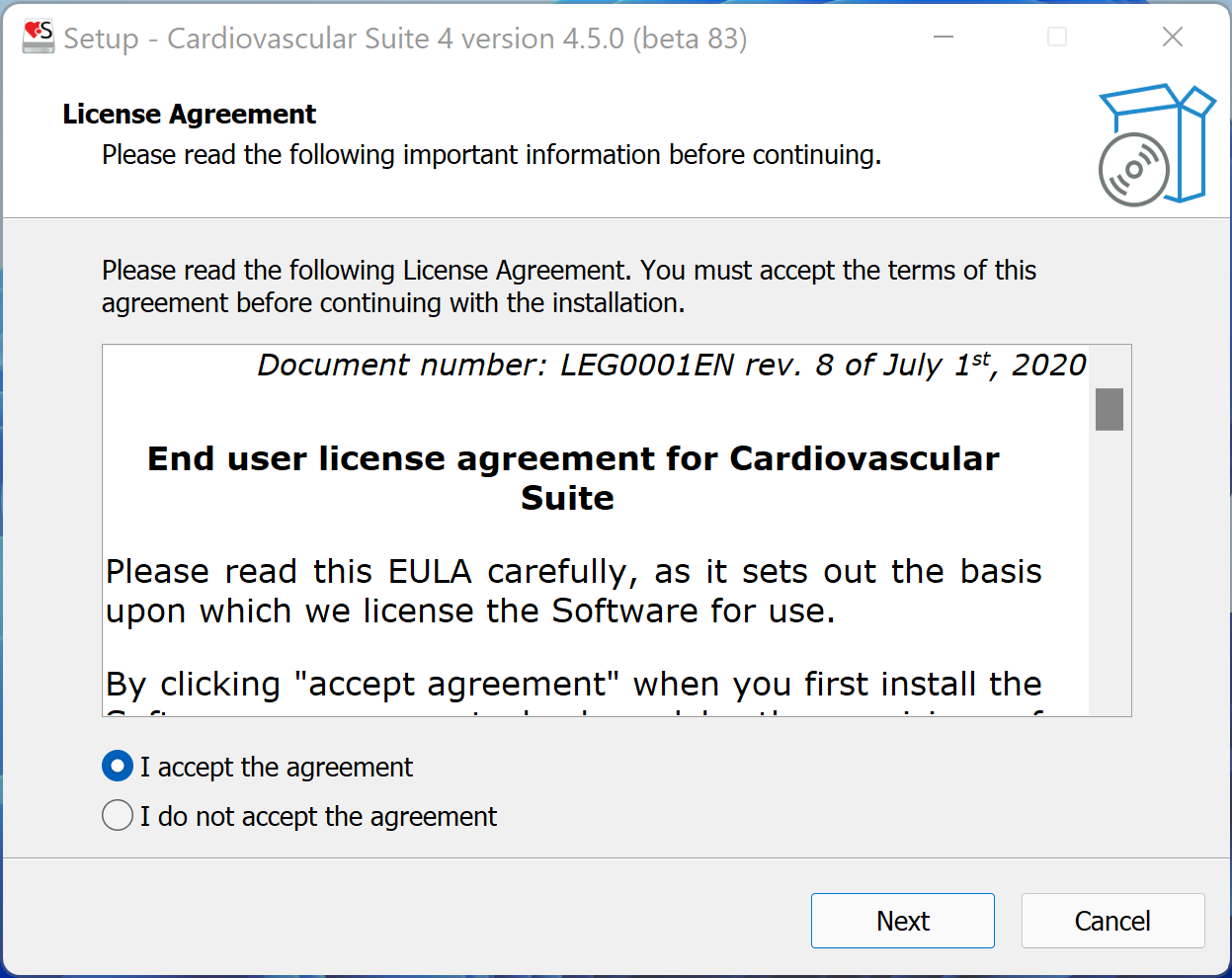
- Read the License Agreement. If you don't accept the license agreement, please close the Cardiovascular Suite setup. If you accept, click the "Next" button to proceed.
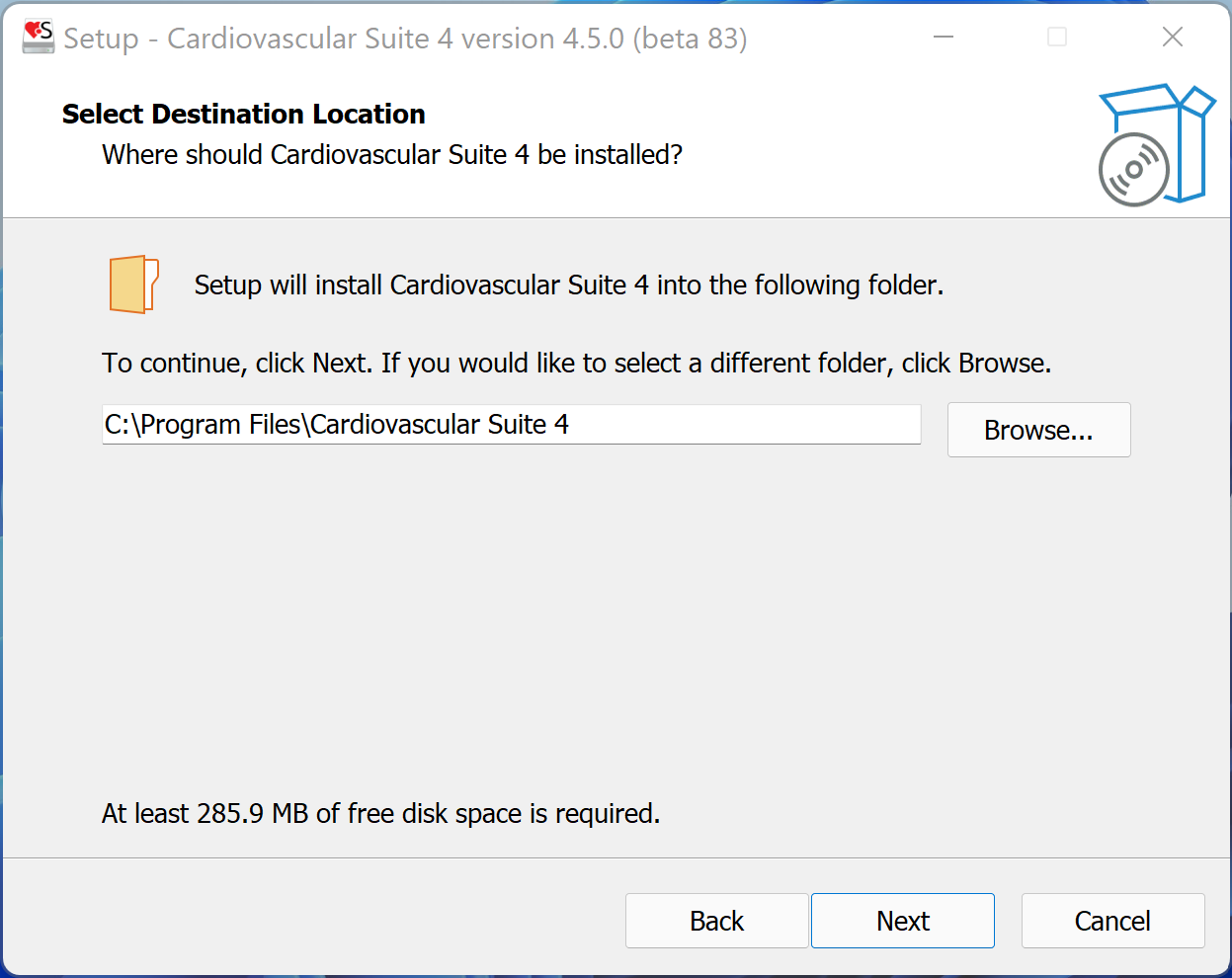
- Select the installation folder. In most cases, you can use the proposed installation folder. Click the "Next" button to proceed.
- Select whether you want to create a Desktop Icon. Click the "Next" button to proceed.

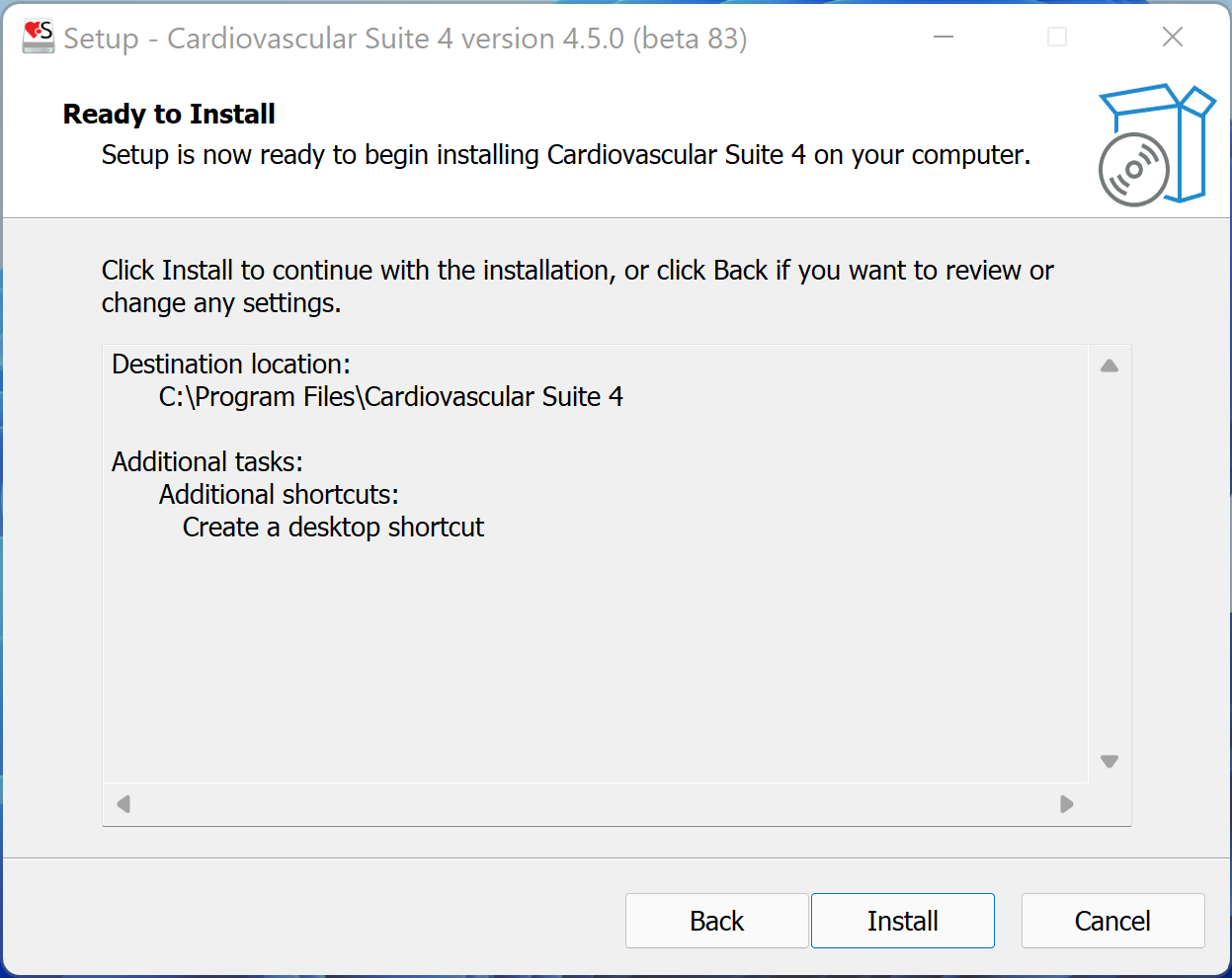
- Review the installation setting. Click the "Install" button to start installation. Cardiovascular Suite will be installed.
- When the installation is completed, please click the "Finish" button.